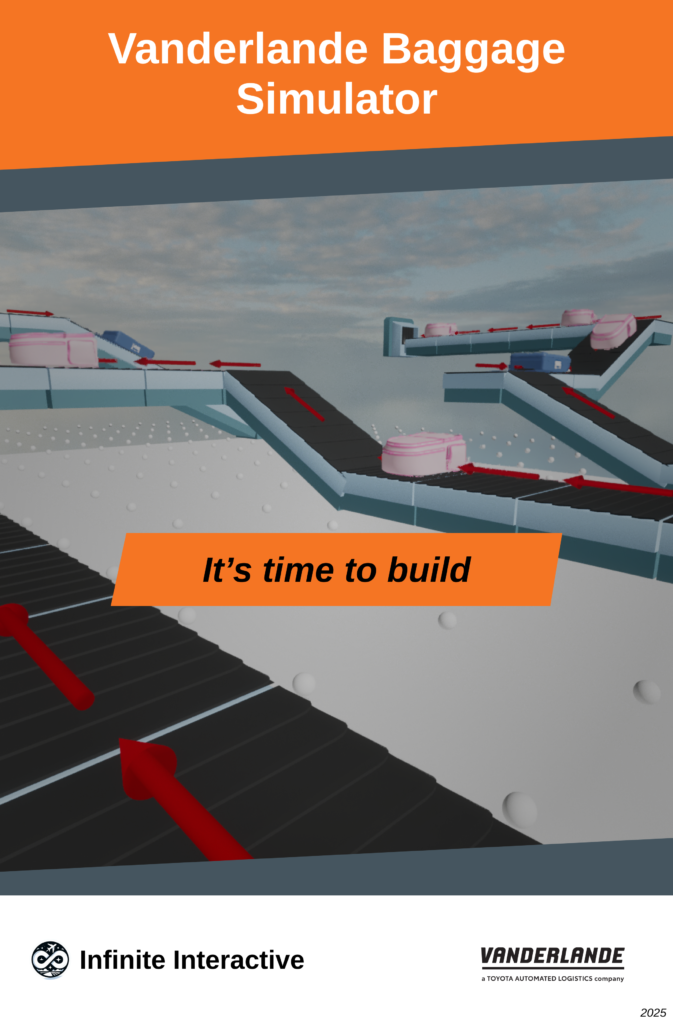
Description of the Assignment
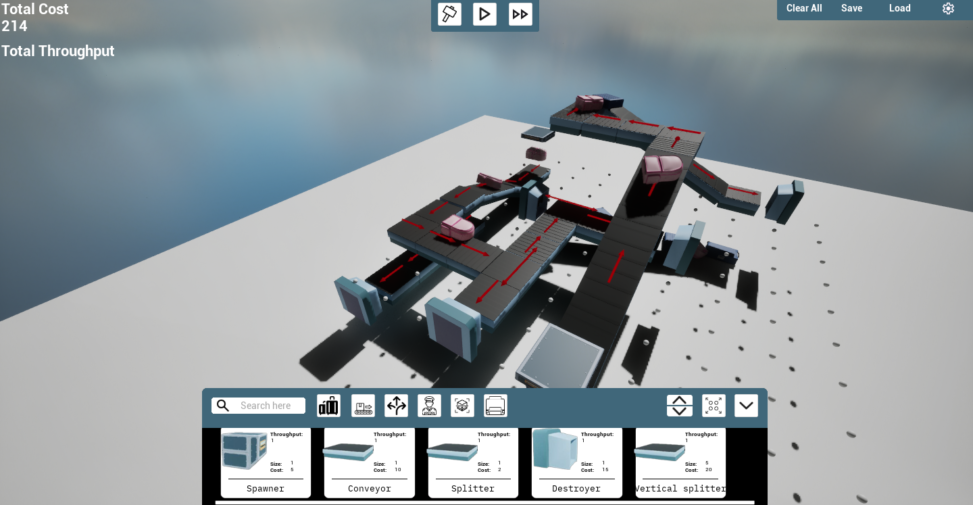
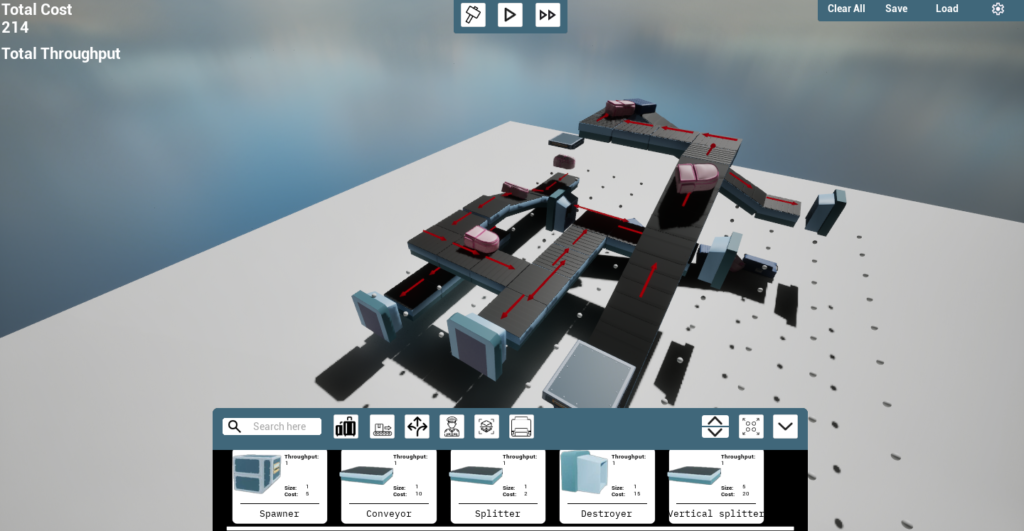
A simulation-based project that engages users in managing airport luggage systems. Players oversee conveyor belts, luggage sorting, and system efficiency to address operational challenges.
Game Description:
Create a simulation game that mirrors real-world challenges of airport baggage management. The game combines educational and entertainment value to provide insights into airport luggage systems while allowing scalability for future enhancements.
Team Members:
- Kevin Oomen
- Daan van Reisen
- Mike Driessen
- Brian Hutjens
- Dennis Oomen
- Nieben Sint Annaland
- Bart Faes
Key features of the game:
- Simulation of airport baggage management systems.
- Interactive conveyor belts, sorters, scanners, and grids.
- Low-poly 3D models adhering to Vanderlande branding.
- Educational and entertainment elements.
- Scalable design for enhancements.
- Blueprint-based development using Unreal Engine 5.
Supported platforms: Windows (Unreal Engine 5 build).
How To Play:
- Open the “StarterMap” in Unreal Engine.
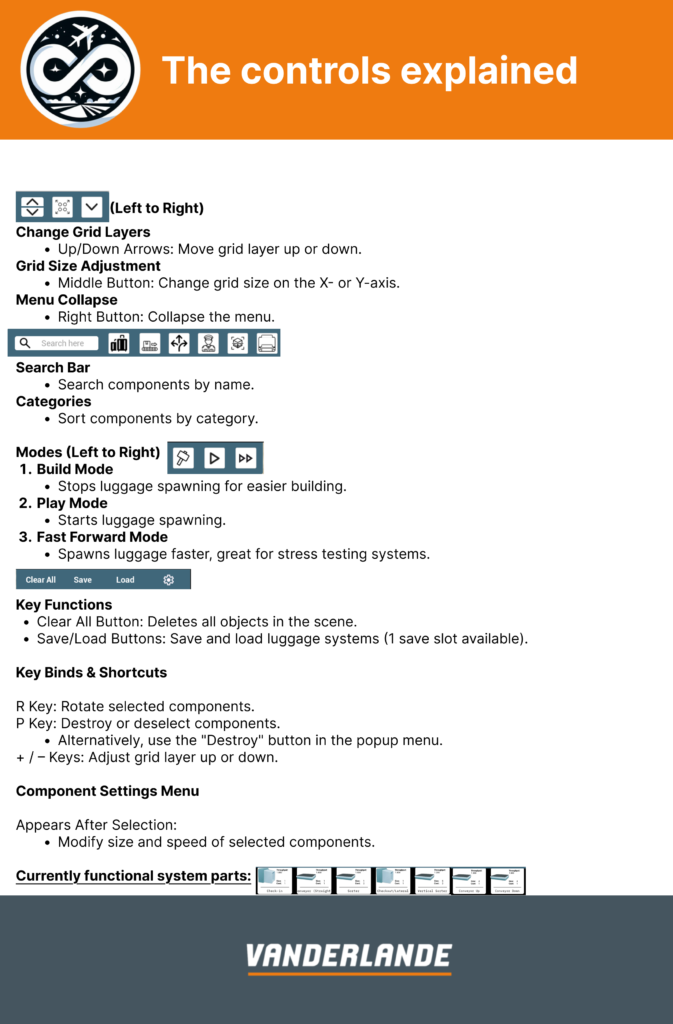
- Use provided keybinds and shortcuts to manage luggage systems efficiently.
- Experiment with conveyor belts, sorters, and scanners to optimize operations.
Installation instructions:
Link to Distributable Build
Additional Requirements
- Unreal Engine 5.4.4 installed.
- Local backend using Git for version control.
- GitLab as the version control provider.
- OneDrive for file storage.
Installation Instructions
- Download Unreal Engine 5:
Install Unreal Engine 5.4.4 via the Epic Games Launcher. - Get the Project from GitLab:
Clone or download the project from the GitLab repository. - Open the Project:
Open Unreal Engine, navigate to “Recent Projects,” and browse for theUprojectfile in the project root directory. - Run the Project:
Open the “StarterMap” level in Unreal Engine, then click the “Run” button to start the game.
- 24-01-2025
- In Spring 2024